How to Make AI Images That Actually Perform on Instagram
The composition, aspect ratio, and copy tricks that separate AI images that stop the scroll from AI images that get lost in the feed.
July 2, 2026 · 5 min read
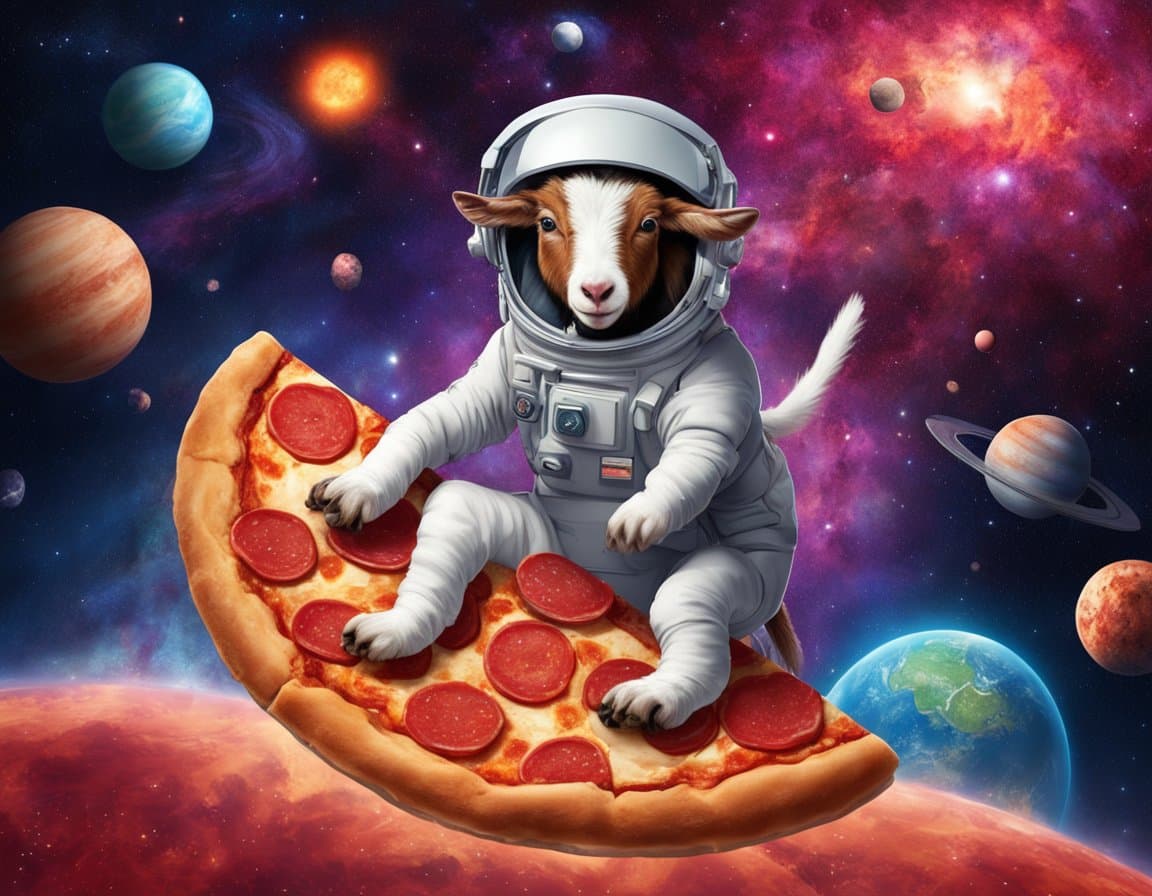
Instagram's rules haven't changed
- Faces beat objects.
- High contrast beats low contrast.
- One clear focal point beats three competing ones.
AI doesn't change any of that. It just gives you more shots on goal.
Aspect ratios that work
- 4:5 (1080×1350) — the tallest format the feed allows. Takes up the most screen real estate.
- 1:1 (1080×1080) — safe default, great for grids.
- 9:16 (1080×1920) — Stories and Reels only.
Generate in 3:4 in Imagoat, then let Instagram's crop handle the last 5 % — it's close enough to 4:5 that the difference is invisible.
Prompts that stop the scroll
Add these words to your positive prompt when generating for feed:
- "high contrast lighting"
- "bold color palette"
- "eye-level portrait"
- "shallow depth of field"
Faces should look at the camera. Products should have negative space around them for caption overlays.
The 3-post workflow
- Generate 12 images from 4 prompt variations.
- Pick the 3 best.
- Post as a carousel with a strong hook slide first.
Carousels outperform single-image posts by roughly 3× on reach as of 2026 — the algorithm rewards time-on-post.
Commercial rights
Free tier images on Imagoat are watermarked and personal-use only. Any paid plan includes commercial rights — post to your business account with confidence.
Related reading
Business & Marketing
Replace $2,000 Product Shoots With AI (Here's How)
How ecommerce brands use AI image generation to produce catalog and lifestyle imagery in hours instead of weeks.
Business & Marketing
Better YouTube Thumbnails With AI (Faster and Cheaper)
The exact prompt formula and composition rules for AI-generated thumbnails that lift CTR without looking cheap.
Business & Marketing
How to Keep AI Images On-Brand Every Time
Consistent color palettes, consistent characters, consistent style — a repeatable system for brand-safe AI image generation.