AI Image Generation for Beginners — Start Here
Zero jargon. What AI image generation actually is, how it works, what it costs, and how to make your first great image in under 5 minutes.
July 9, 2026 · 5 min read
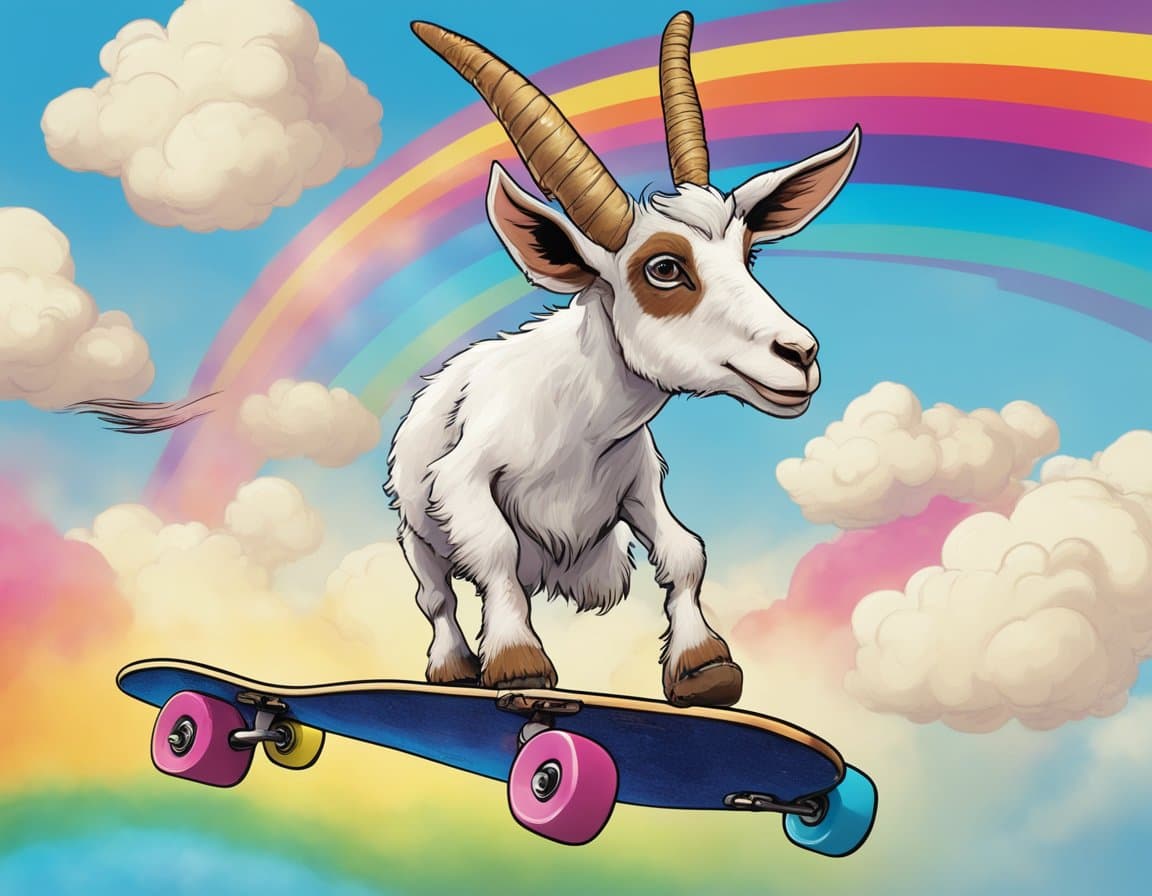
What AI image generation actually is
You type a sentence. A very large neural network turns that sentence into a picture. That's it.
Under the hood the model is doing something called diffusion — it starts with pure noise (imagine TV static) and, in about 20–30 steps, gradually removes the noise while nudging it toward what your prompt describes. The result is a fresh image that has never existed before.
What it can and can't do
Can: photorealistic portraits, product shots, illustrations, concept art, logos (roughly), landscapes, characters, ads, thumbnails.
Can't (yet): perfect hands every time, arbitrary long text, exact real people (without special fine-tuning), pixel-perfect brand logos.
Your first image in five minutes
- Sign in to Imagoat.
- Go to Generate.
- Type: "A cinematic photo of a coffee cup on a wooden desk at sunrise, soft light, shallow depth of field."
- Pick 1:1 aspect, High quality.
- Click Generate.
You'll get four images. Pick the best one, and try the same prompt again with one word changed. That's the whole loop.
What it costs
Imagoat runs on a credit system so you never think about GPU minutes:
- Free — 10 credits to try
- Creator ($19.99/mo) — 2,000 credits, no watermark, commercial rights
- Pro ($49.99/mo) — 12,000 credits, priority queue, API access
Extra credit packs never expire while your subscription is active.
Next steps
- Read How to Write Great AI Image Prompts.
- Skim SDXL vs SD 1.5 vs Flux so you know which model to pick.
- Come back for the more advanced posts once you've generated 20+ images.